Apple Family Controls
PaceOut is built with Apple's official Family Controls framework. Parents approve access during setup; the app keeps specific app names, messages, and browsing history private.
NATIVE IOS PARENTING
PaceOut gives parents clean, powerful controls over daily screen time without invasive spying or complicated device management profiles. Built natively for iOS 17+ and iPadOS 17+.

Requires iOS 17.0+ on iPhone & iPad · watchOS 10.0+ for Apple Watch
SYSTEM ARCHITECTURE
Designed around Apple's official Family Controls framework with a privacy-first boundary.
PaceOut is built with Apple's official Family Controls framework. Parents approve access during setup; the app keeps specific app names, messages, and browsing history private.
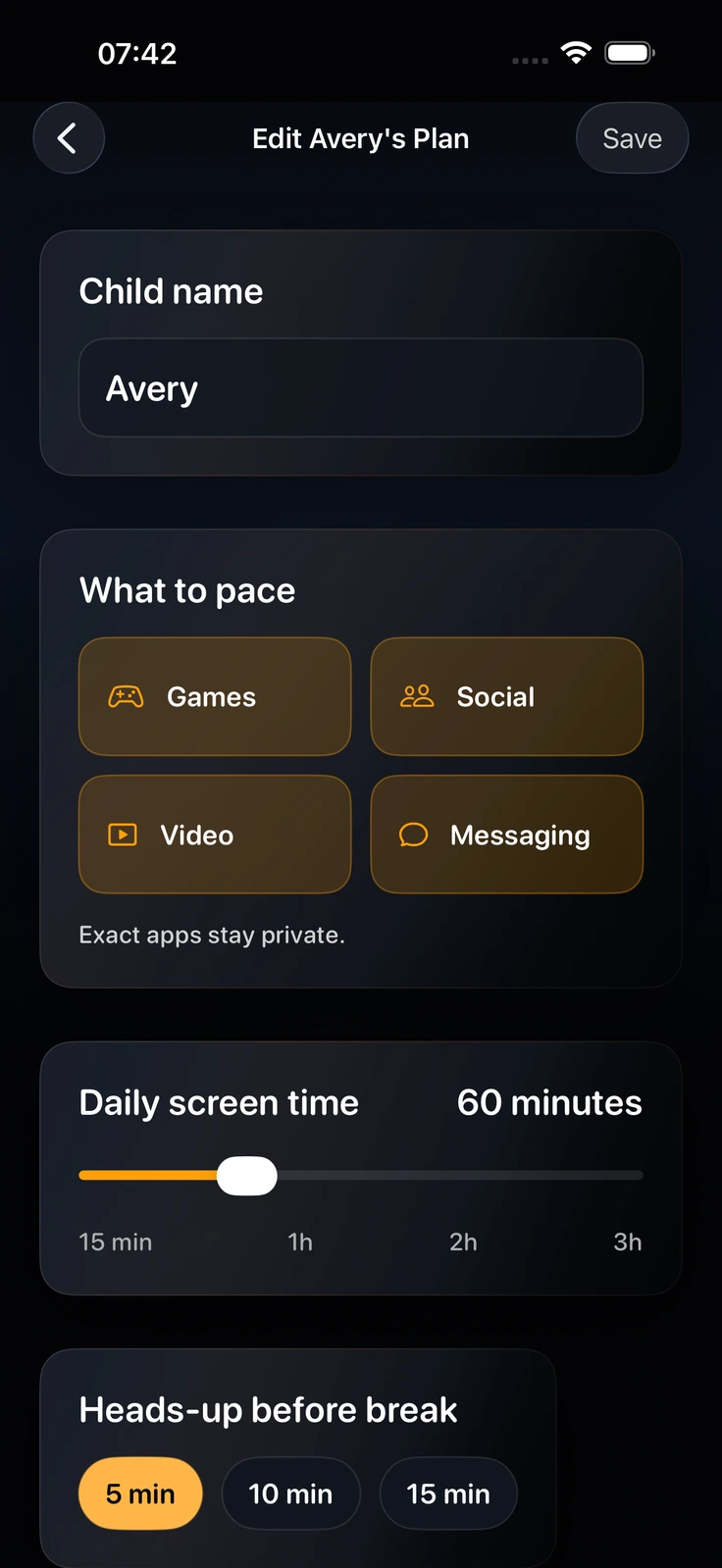
Pace broad app categories (Games, Social, Video, Messaging). In the current app architecture, specific app titles, messages, and website URLs remain on your child's device.
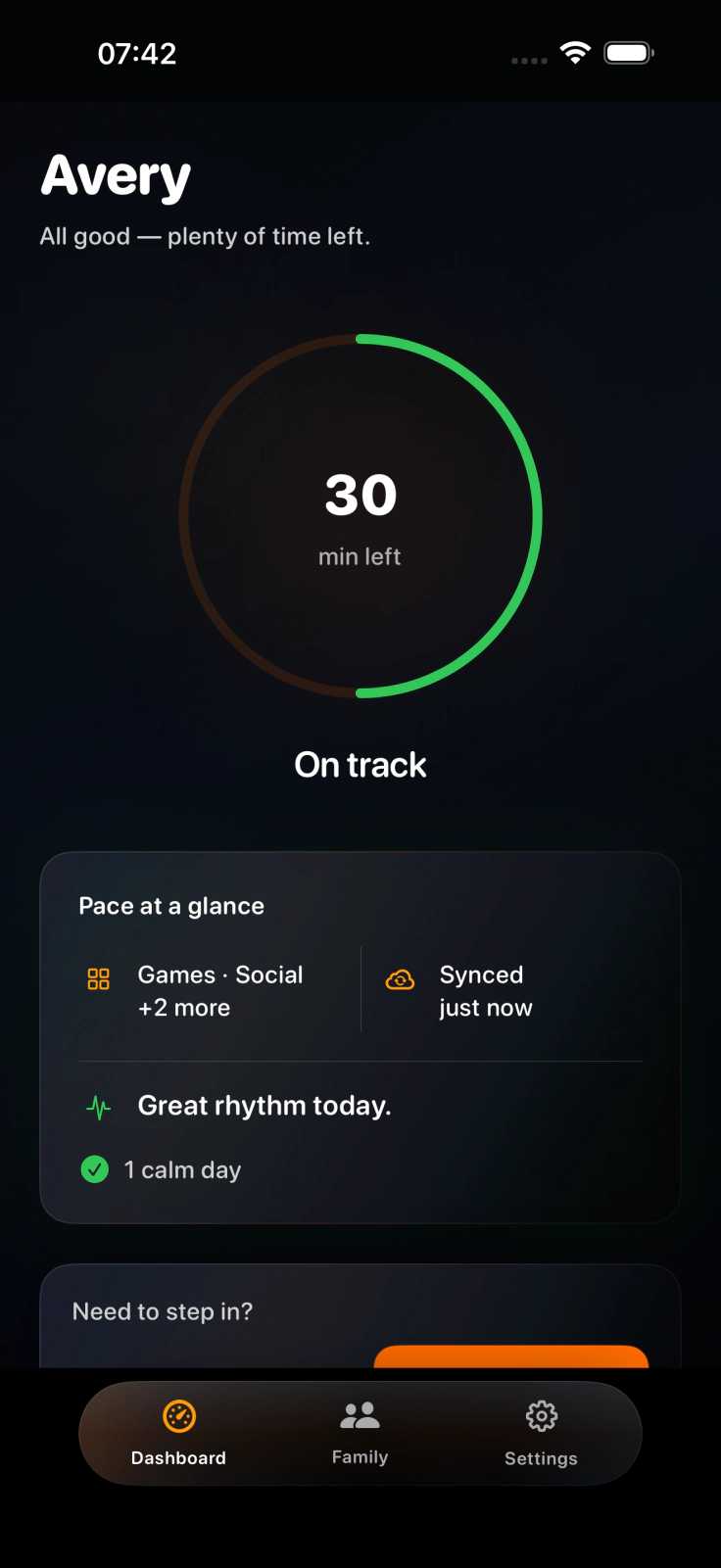
PaceOut Premium enables Remote Pause (updates when devices sync) and Remote Add Time (+15 min) directly from your parent iPhone, plus daily evening summaries.
Set exact daily screen time allowances, select broad app categories (Games, Social, Video, Messaging), and define bedtime wind-down schedules. PaceOut handles the daily rhythm automatically.
TRUST & COMPATIBILITY
Designed around Apple's Family Controls framework with a local Screen Time boundary. Read the privacy details for the current data-flow limits.
PaceOut does not need keystrokes or browser-tab monitoring to manage the supported time allowances. It is designed to keep exact Screen Time selections, app names and browsing data on the device rather than in PaceOut family records.
PaceOut Premium integrates with Apple Watch (watchOS 10+) for quick glanceable status complications, and supports Siri Shortcuts for voice controls.
Download PaceOut on your iPhone, set daily limits, and link your child's device using a secure family invite QR code and iCloud sharing.
QUESTIONS & ANSWERS
Plain answers on how PaceOut works with Apple Family Controls.
PaceOut is built with Apple's official Family Controls framework. Parents approve access during setup, and the app keeps specific app names, messages, and browsing history private.
Yes. PaceOut Premium includes Remote Pause (updates when devices sync) and Remote Add Time (+15 min) capabilities directly from the parent iPhone dashboard.
Yes. PaceOut is private by design. Specific app names, search history, and messages are never read or stored. All Screen Time configuration data remains on your devices or encrypted in your private iCloud via CloudKit.
PaceOut requires iOS 17.0 or later on iPhone and iPad, and watchOS 10.0 or later for Apple Watch complications.
Parent → ring → child
Download PaceOut free on the App Store and start with a clear daily rhythm.
Download free on App StoreiPhone & iPad · watchOS companion · No ads · No data selling